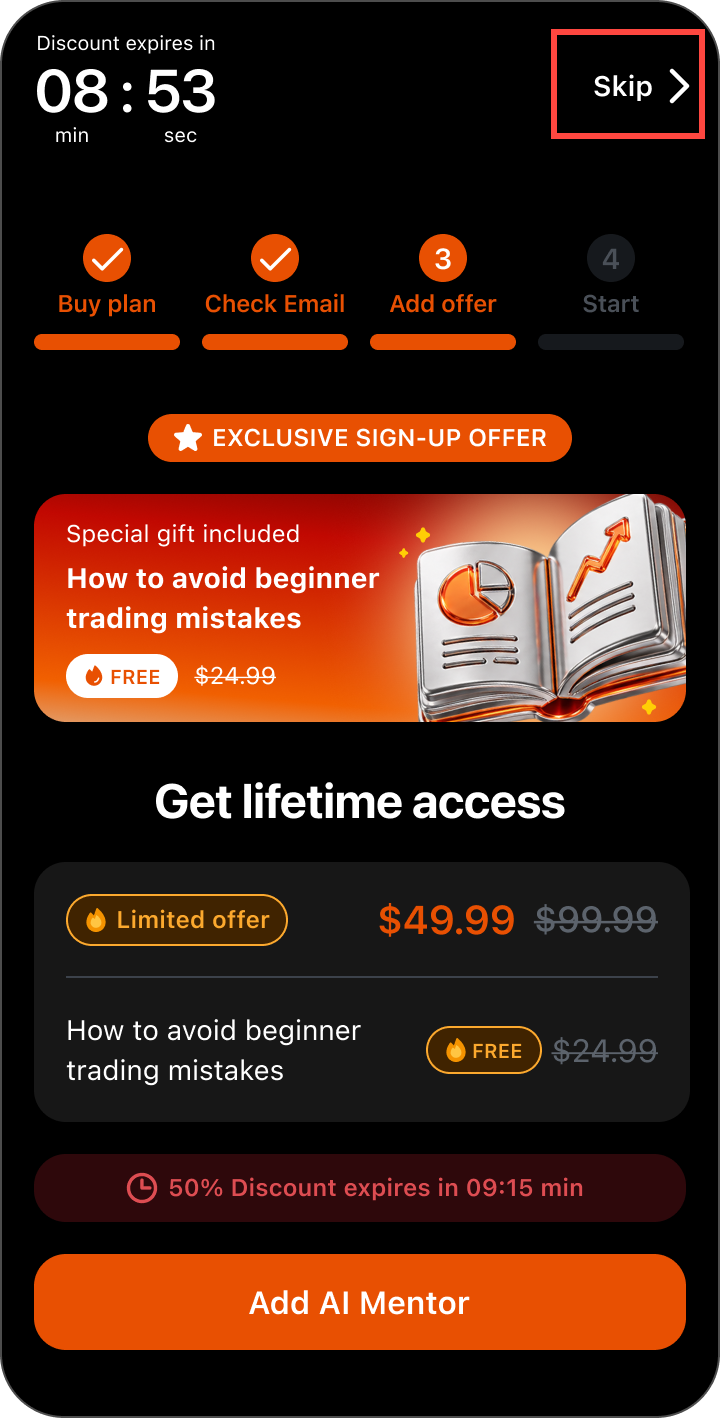
That screen is an optional offer shown after your main purchase. It is not required to reach the platform features you have already paid for.
To get past it:
- Tap Skip in the top-right corner of the offer screen.
- If nothing happens the first time, tap it again—it occasionally takes two taps.
If you experience any issues bypassing offer screens, contact us at support@monflex.io or by submitting a ticket at the Support Center.